If a stranger, former friend, or persistent contact keeps sending snaps, learning how to block someone on Snapchat gives you a quick way to close that door. The process takes less than a minute on an iPhone or Android phone, and you do not need to argue with the person first. Blocking is a practical privacy setting, not an overreaction.
Snapchat is built around fast, informal communication, so people sometimes accept requests without thinking about who is behind the account. A suspicious username, repeated messages, unwanted flirting, or pressure to click a link is enough reason to stop contact. Five minutes now beats five hours later, especially when a child or shared family device is involved.
How to block someone on Snapchat from a chat
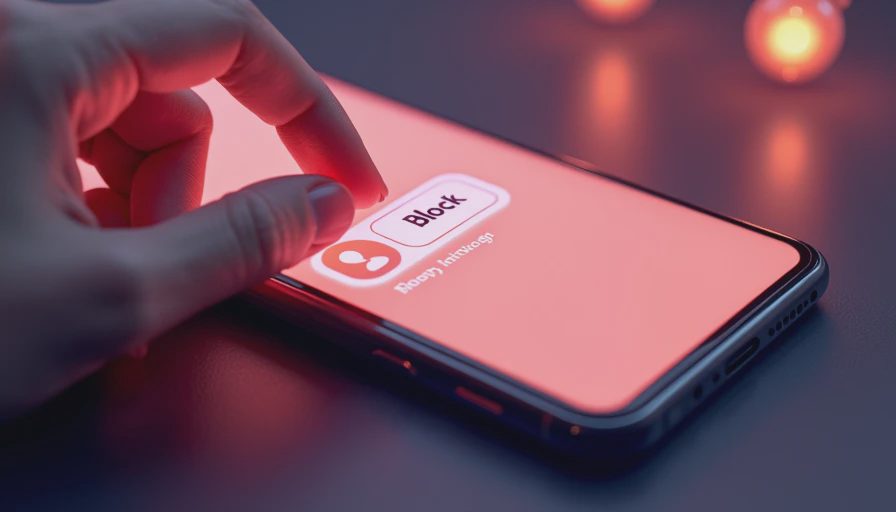
The simplest method starts in your Chat screen. Open Snapchat and swipe right from the camera screen, or tap the chat icon. Find the conversation with the person you want to block, then press and hold their name. A menu will appear. Choose Manage Friendship, select Block, and confirm when Snapchat asks you to do so.
That is the basic answer to how to block someone on Snapchat. You can also open the person’s profile by tapping their Bitmoji or username, tap the three-dot menu in the upper-right corner, choose Manage Friendship, and tap Block. The wording can shift slightly after app updates, but look for the friendship-management menu and the Block option.
Blocking stops that account from sending you direct snaps and chats. It also removes the normal friend connection. Snapchat does not typically send the other person a direct alert saying you blocked them, although they could notice that your profile or messages are no longer available in the usual way. You do not owe them an explanation.
If the account is threatening you, impersonating someone, asking for money, or sending sexual content to a minor, take a screenshot of useful evidence before blocking when it is safe to do so. Do not keep engaging just to collect more messages. Report the account through the same profile menu, then block it.
How to block someone on Snapchat from their profile
Sometimes the person has not started a chat, but you still want to remove them from your account. Search for their username, open the profile, and tap the three dots. Choose Manage Friendship, then Block. This approach is helpful when a public story viewer, old contact, or unfamiliar account appears in your activity.
Parents helping a child should do this together rather than silently taking over the phone. Ask the child to show what happened, save only relevant evidence, and explain why the account is being blocked. A calm conversation makes it more likely that a child will report the next uncomfortable message instead of hiding it.
Blocking is different from removing a friend. Removing someone can take them off your friends list, but depending on your privacy settings, they could still find ways to contact you or view public content. Blocking is the stronger choice when contact is unwanted, manipulative, or persistent. If you only made a mistake accepting a request, removing the friend may be enough, but you can still use the block feature whenever you are uncomfortable.
What to do after blocking a Snapchat account
After you block someone, review who can contact you and who can see your stories. Open your profile, tap the Settings gear, and look through the privacy controls. Set Contact Me to Friends when possible, and use My Friends for story visibility if you do not need public reach. Also review See Me in Quick Add and location sharing in Snap Map.
Snap Map deserves special attention for families. If your location is visible, switch to Ghost Mode or limit sharing to people you trust. Location information can reveal a home address, a school route, or when a household is away. Blocking one account does not protect information already visible to other viewers, so privacy settings are the second half of how to block someone on Snapchat safely.
Check connected devices and account security if the interaction involved a suspicious link or a request for a login code. Change your Snapchat password from a trusted device, make it unique, and turn on two-factor authentication. Never send a verification code to someone who claims to be a friend, support agent, or potential buyer.

What blocking does not solve
Blocking one account does not automatically remove screenshots, copied images, or information the person already saw. It also may not solve contact inside a shared group conversation. If you and the blocked person belong to the same group, review the group and leave it if necessary. You can press and hold the group conversation, open Chat Settings, and look for the option to leave. Tell trusted group members not to pass along your messages or personal details.
A blocked person could also create another account. That does not mean blocking was pointless; it means the problem is now a pattern that deserves stronger steps. Block and report each new account, tighten your contact settings, and tell a parent, school administrator, employer, or law enforcement professional when the behavior involves threats, stalking, extortion, or a minor’s safety.
Do not pay a person who threatens to publish private images, and do not send more images to prove your identity. Save usernames, dates, and messages where lawful and practical. If a child is involved, involve another trusted adult immediately. This is not a reason to panic. It is a reason to change one setting and bring in help.
A five-minute Snapchat privacy check
Start by blocking the unwanted account using the profile or chat steps above. Next, report it if there is harassment, fraud, impersonation, or dangerous content. Then set contact and story visibility to Friends, review Snap Map, and remove unfamiliar friends. Finally, check two-factor authentication and confirm that the email address and phone number on the account are still yours.
For a family account review, ask three simple questions: Who can message this account? Who can see its stories or location? What should happen when a stranger asks for a photo, link click, or code? Practicing those answers before a problem occurs is more effective than delivering a lecture during a stressful moment.
If you were searching for how to block someone on Snapchat because the messages feel merely annoying, you can still act now. You do not need courtroom-level proof to control access to your account. If the situation feels more serious, preserve evidence and ask for help instead of handling it alone.
The practical takeaway
Learning how to block someone on Snapchat is a small step that protects a much larger boundary. Open the chat or profile, choose Manage Friendship, tap Block, and then check privacy settings that affect everyone else. Report serious behavior, leave shared groups when needed, and secure the account if a link or password was involved.
The goal is not perfect security. It is fewer easy wins for the attacker and fewer chances for an uncomfortable contact to reach your family. Protect the front door before you build a taller fence, and remember that you can block someone on Snapchat without starting a confrontation. Make the setting change, tell a trusted person if the behavior continues, and move on with your day.




No notes on this sheet yet.